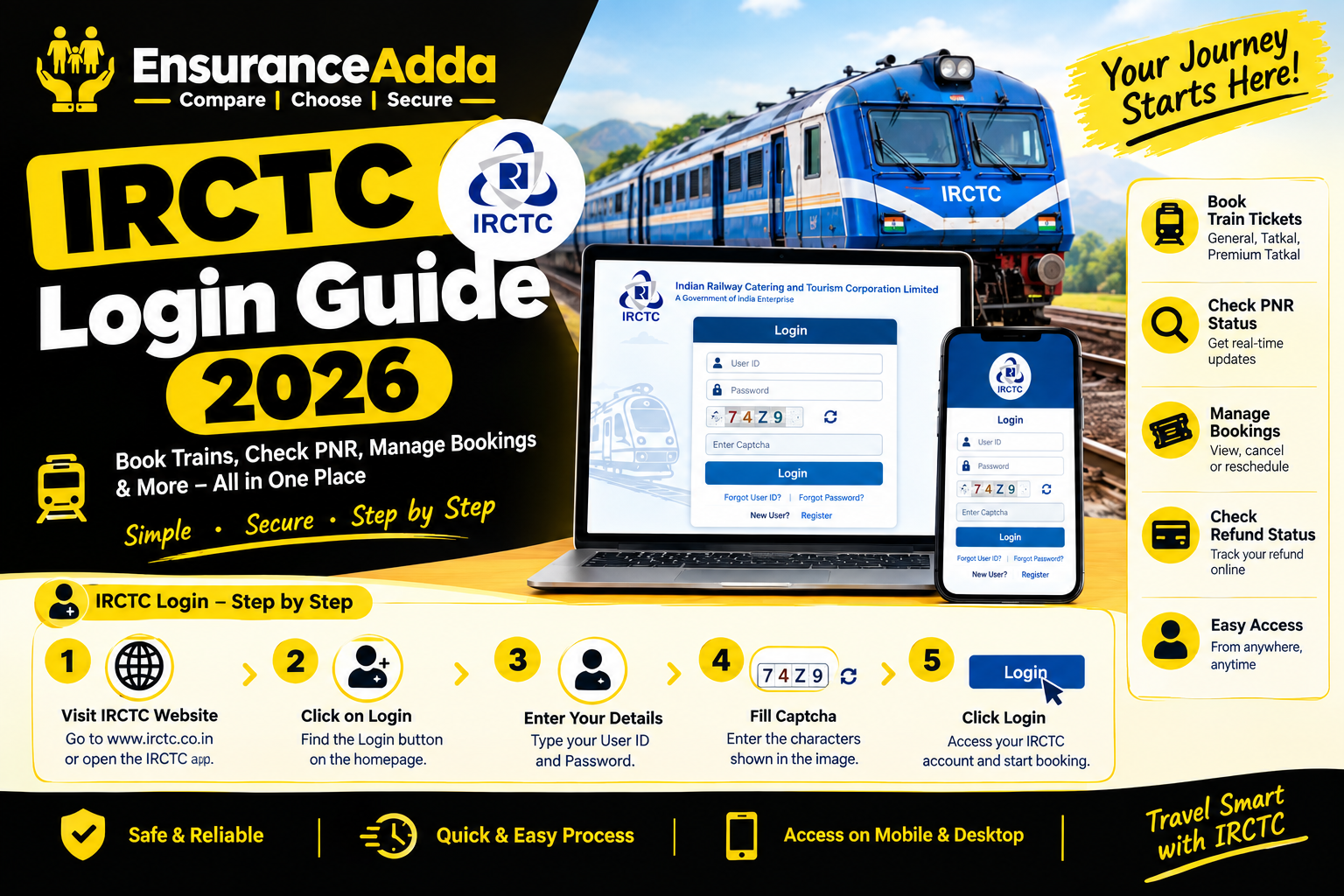
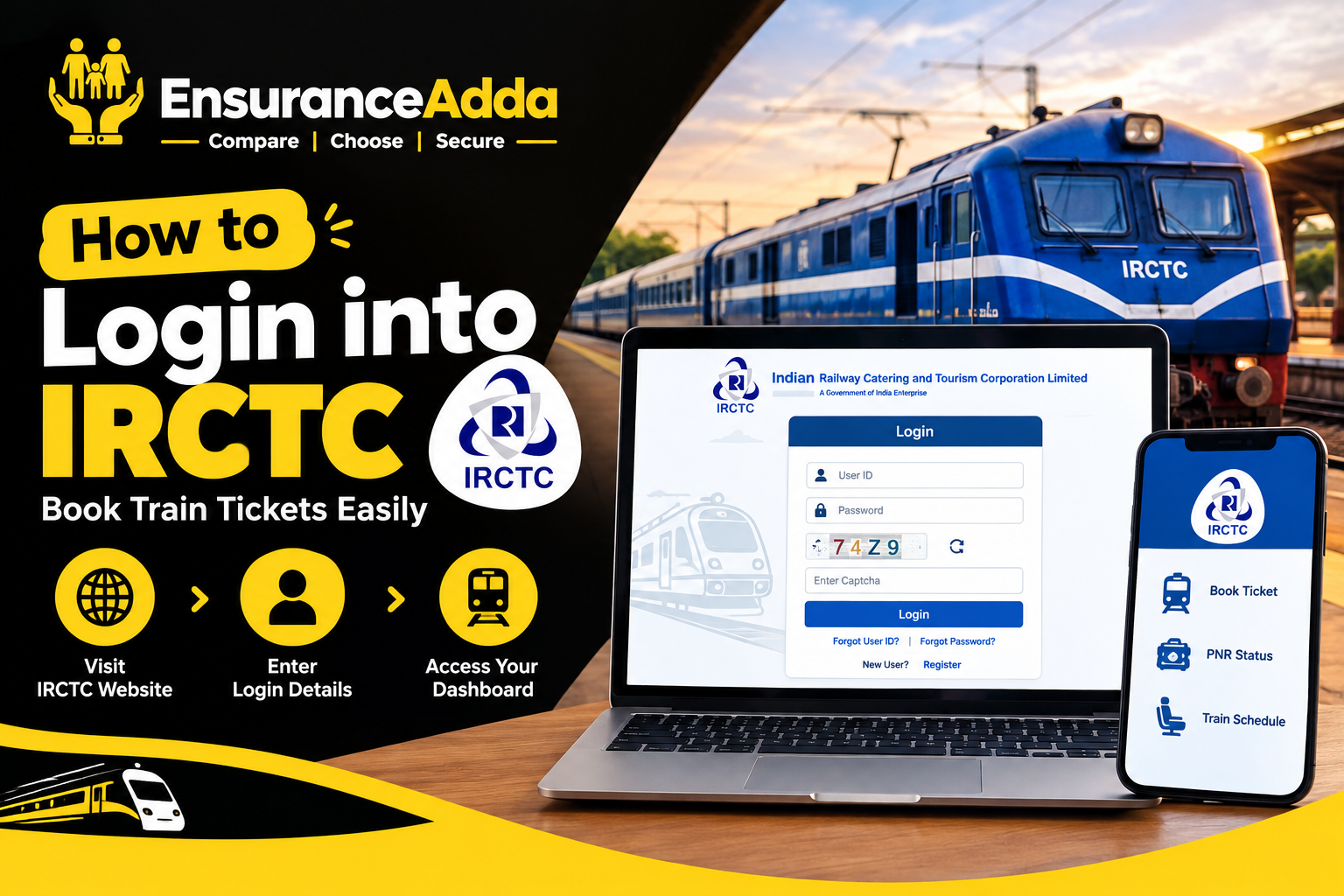
If you want to login into IRCTC to book train tickets, check PNR status, or manage your railway bookings, this complete guide will help you. Millions of travelers across India use IRCTC every day to reserve train tickets, check seat availability, and book a confirm ticket online. However, many users face issues while logging in due to forgotten passwords, incorrect IRCTC login ID, or verification errors.
In this article, you’ll learn how to login into IRCTC step by step, create an account, recover your IRCTC login ID, reset your password, and troubleshoot common login problems. We’ll also share useful tips to increase your chances of getting a confirm ticket during peak travel seasons.
Whether you’re booking Tatkal tickets or regular train reservations, this guide covers everything you need.
What is IRCTC Login?
Login into IRCTC means accessing your registered Indian Railway Catering and Tourism Corporation account using your username and password.
With an IRCTC account, you can:
- Book train tickets online.
- Cancel or modify bookings.
- Check PNR status.
- Book Tatkal tickets.
- Order food on trains.
- Manage passenger details.
- View booking history.
Your IRCTC login ID is unique and required every time you sign in.
IRCTC Login at a Glance
| Feature | Details |
|---|---|
| Official Platform | IRCTC Rail Connect Website & Mobile App |
| Login Requirement | IRCTC Login ID and Password |
| Account Creation | Free Registration |
| Ticket Booking | General, Tatkal, Premium Tatkal |
| Password Recovery | Mobile Number & Email OTP |
| Main Benefit | Book and manage railway tickets online |
How to Login into IRCTC (Step-by-Step)
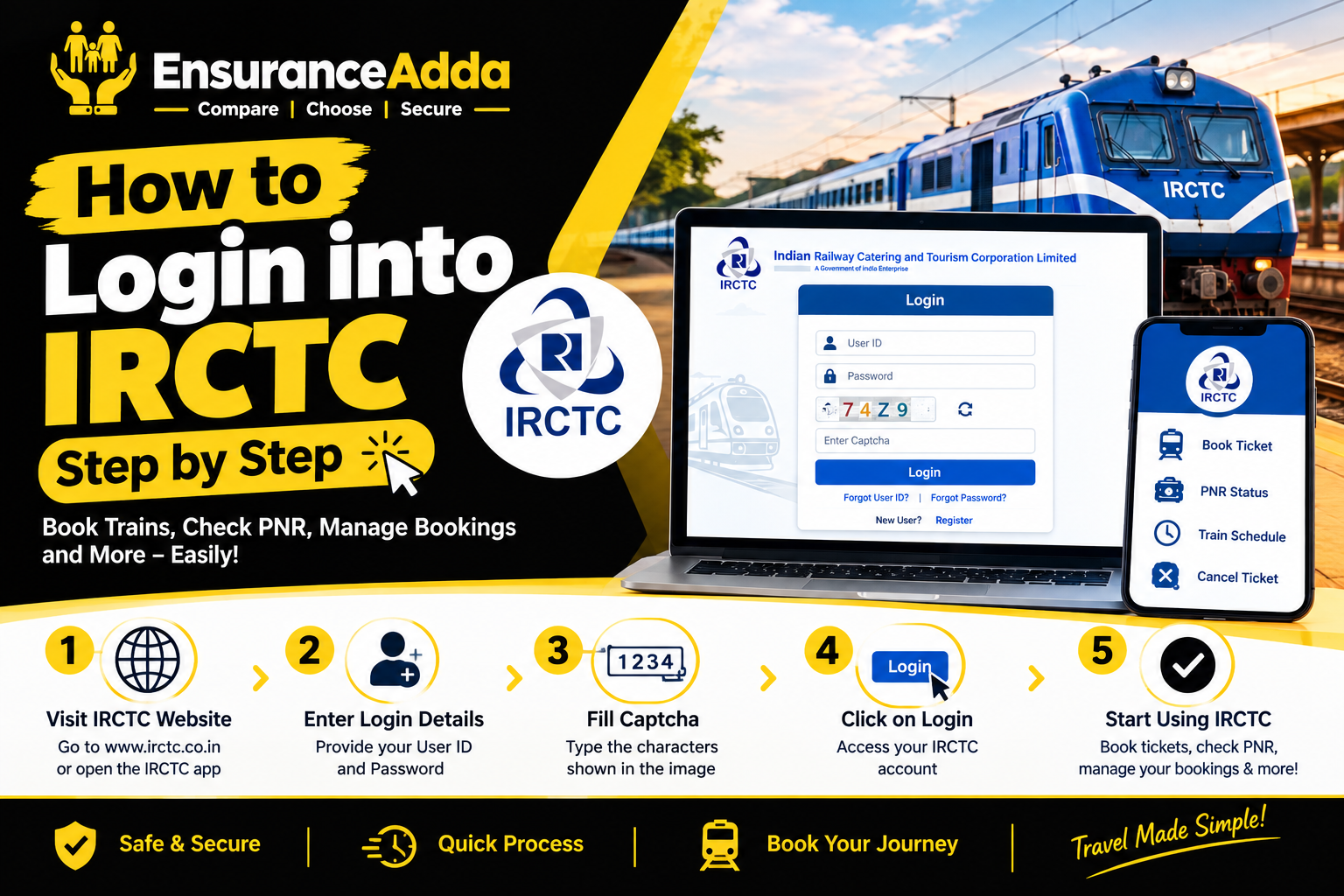
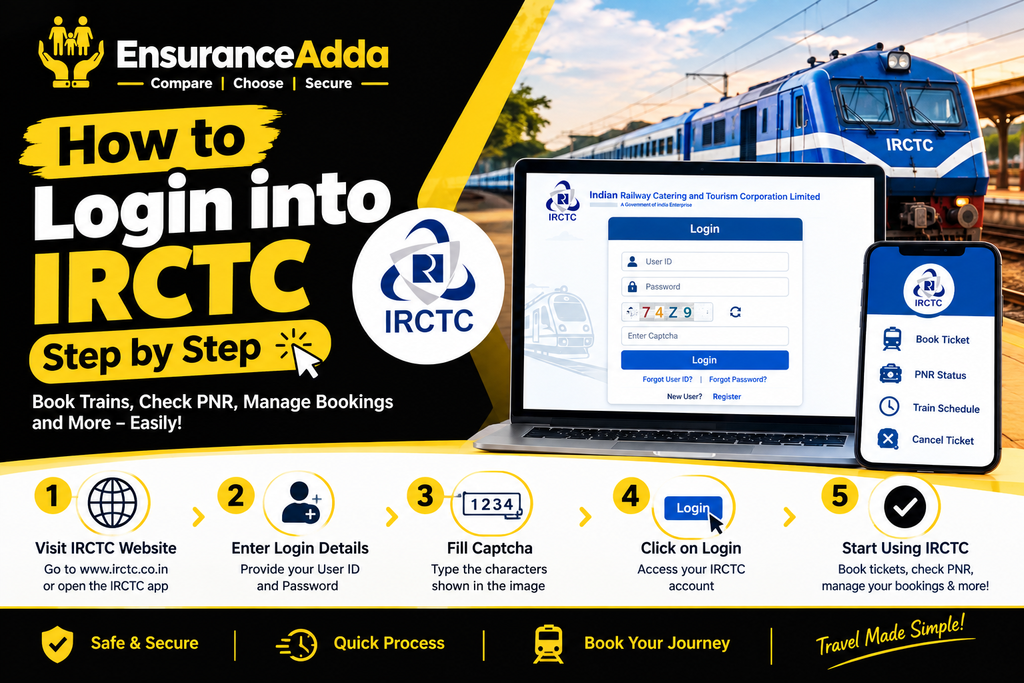
Step 1: Open the IRCTC Website or App
Visit the official IRCTC Rail Connect website or open the IRCTC Rail Connect mobile application.
Step 2: Click Login
Tap or click the Login button on the homepage.
Step 3: Enter Your IRCTC Login ID
Type your registered IRCTC login ID exactly as created during registration.
Step 4: Enter Password
Provide your secure password.
Step 5: Complete CAPTCHA
Enter the CAPTCHA correctly to verify you’re not a bot.
Step 6: Click Sign In
Now you successfully login into IRCTC and access your dashboard.
How to Create a New IRCTC Account
If you don’t have an account, registration is simple.
Registration Process
- Visit IRCTC registration page.
- Click Register.
- Choose a unique username.
- Create a strong password.
- Enter mobile number and email.
- Add personal details.
- Verify OTP sent to email and mobile.
- Submit registration.
Now your IRCTC login ID becomes active.
How to Recover Your IRCTC Login ID
Many users forget their username.
Recover Username
- Open login page.
- Select Forgot Username.
- Enter registered email or mobile number.
- Verify OTP.
- Your IRCTC login ID is displayed.
Always save your username securely.
How to Reset IRCTC Password
If you’re unable to login into IRCTC, reset your password.
Password Reset Steps
- Click Forgot Password.
- Enter IRCTC login ID.
- Verify with OTP.
- Create a new password.
- Login using updated credentials.
Choose a password containing uppercase letters, lowercase letters, numbers, and special characters.
How to Book a Confirm Ticket After Login
After you login into IRCTC, booking tickets takes only a few minutes.
Ticket Booking Process
- Enter source station.
- Enter destination.
- Choose travel date.
- Click Search Trains.
- Select train.
- Choose class.
- Add passengers.
- Complete payment.
- Download ticket.
A successful booking increases your chances of getting a confirm ticket.
Tips to Increase Chances of Getting a Confirm Ticket
Getting a confirm ticket depends on demand.
Best Practices
- Book tickets immediately after booking opens.
- Use Tatkal for urgent travel.
- Choose less crowded trains.
- Be flexible with dates.
- Select alternate classes.
- Check seat availability before payment.
Booking early significantly improves confirm ticket availability.
Understanding Confirm Ticket Status
Confirm Ticket
A seat or berth is allocated.
RAC Ticket
You can travel but may share a berth initially.
Waiting Ticket
Seat confirmation depends on cancellations.
Always monitor PNR after you login into IRCTC.
Tatkal Ticket Booking Guide
Tatkal helps travelers book tickets at short notice.
Tatkal Booking Timing
| Ticket Type | Booking Opens |
|---|---|
| AC Classes | 10:00 AM |
| Non-AC Classes | 11:00 AM |
Tatkal Booking Tips
- Login into IRCTC before booking opens.
- Save passenger details.
- Keep payment option ready.
- Use fast internet.
Common IRCTC Login Problems and Solutions
| Problem | Solution |
|---|---|
| Forgot Password | Use Forgot Password option. |
| Forgot Username | Recover IRCTC login ID using email/mobile. |
| OTP Not Received | Check network or resend OTP. |
| CAPTCHA Error | Refresh CAPTCHA and try again. |
| Account Locked | Wait and reset password. |
How to Login into IRCTC Using Mobile App
The IRCTC Rail Connect app provides quick booking.
Steps
- Install app.
- Open app.
- Enter IRCTC login ID.
- Enter password.
- Complete CAPTCHA.
- Tap Login.
Now you can book a confirm ticket directly.
Benefits of Login into IRCTC
- Fast train reservations.
- Digital ticket storage.
- Booking history.
- Tatkal booking.
- Food ordering.
- PNR tracking.
- Refund management.
IRCTC Login Safety Tips
Keep your account secure.
Security Checklist
- Never share password.
- Enable mobile verification.
- Use strong password.
- Logout after booking.
- Avoid public Wi-Fi.
- Update contact information regularly.
How to Check PNR Status After Login
- Login into IRCTC.
- Open My Bookings.
- Select ticket.
- View PNR.
- Check confirmation status.
Cancel a Ticket After Login
Cancellation Steps
- Login.
- Open booked tickets.
- Select ticket.
- Click Cancel.
- Confirm cancellation.
Refund is processed according to IRCTC rules.
IRCTC Features Available After Login
Ticket Services
- General booking.
- Tatkal booking.
- Premium Tatkal.
- Ladies quota.
- Senior citizen quota.
Travel Services
- Meals.
- Tourism packages.
- Hotel booking.
- Bus booking.
- Flight booking.
IRCTC Login Do’s and Don’ts
Do’s
- Keep IRCTC login ID safe.
- Verify passenger details.
- Book tickets early.
- Update profile regularly.
Don’ts
- Share OTP.
- Share password.
- Use unofficial websites.
- Ignore booking confirmation.
Pro Tips for Booking a Confirm Ticket Faster
Expert Tips
- Login 10–15 minutes early.
- Save passengers in Master List.
- Keep UPI/Card ready.
- Use stable internet.
- Avoid multiple simultaneous logins.
Common Myths About Login into IRCTC
Myth 1: Multiple Accounts Improve Confirm Ticket Chances
False. IRCTC has rules regarding multiple accounts.
Myth 2: Waiting Tickets Always Get Confirmed
Incorrect. Confirmation depends on cancellations.
Myth 3: Tatkal Guarantees a Confirm Ticket
No. Tatkal tickets are also subject to availability.
Myth 4: Mobile App and Website Have Different Ticket Availability
Incorrect. Both access the same booking system.
Why Your IRCTC Login ID is Important
Your IRCTC login ID connects all bookings, passenger information, refunds, and travel history.
Keep it updated with:
- Mobile number.
- Email address.
- Personal profile.
- Saved passengers.
Frequently Asked Questions (FAQs)
1. How do I login into IRCTC?
Visit the official IRCTC website or app, enter your IRCTC login ID, password, complete CAPTCHA, and sign in.
2. What is an IRCTC login ID?
It is your registered username used to access your IRCTC account.
3. How can I recover my IRCTC login ID?
Use the Forgot Username option with your registered email or mobile number.
4. How do I reset my IRCTC password?
Use Forgot Password, verify OTP, and create a new password.
5. Can I book a confirm ticket without logging into IRCTC?
No. You must login into IRCTC before booking train tickets.
6. Why am I not receiving an OTP?
Check your mobile network, email spam folder, or resend the OTP.
7. What is the difference between RAC and Confirm Ticket?
A confirm ticket guarantees a berth, while RAC allows travel with limited seating until confirmation.
8. Can I login into IRCTC on multiple devices?
Yes, but avoid multiple active sessions during booking.
9. Is IRCTC login free?
Yes. Creating and using an IRCTC account is free.
10. How do I increase my chances of getting a confirm ticket?
Book early, use Tatkal when needed, save passenger details, and complete payment quickly.
Conclusion
Learning how to login into IRCTC is the first step toward hassle-free railway ticket booking in India. Your IRCTC login ID lets you access bookings, check PNR status, manage passengers, and book a confirm ticket quickly from the website or mobile app.
Keep your login credentials secure, update your account information regularly, and book tickets as early as possible to improve confirmation chances. Whether you’re planning family travel or booking Tatkal tickets, mastering the login into IRCTC process saves time and makes railway travel more convenient.