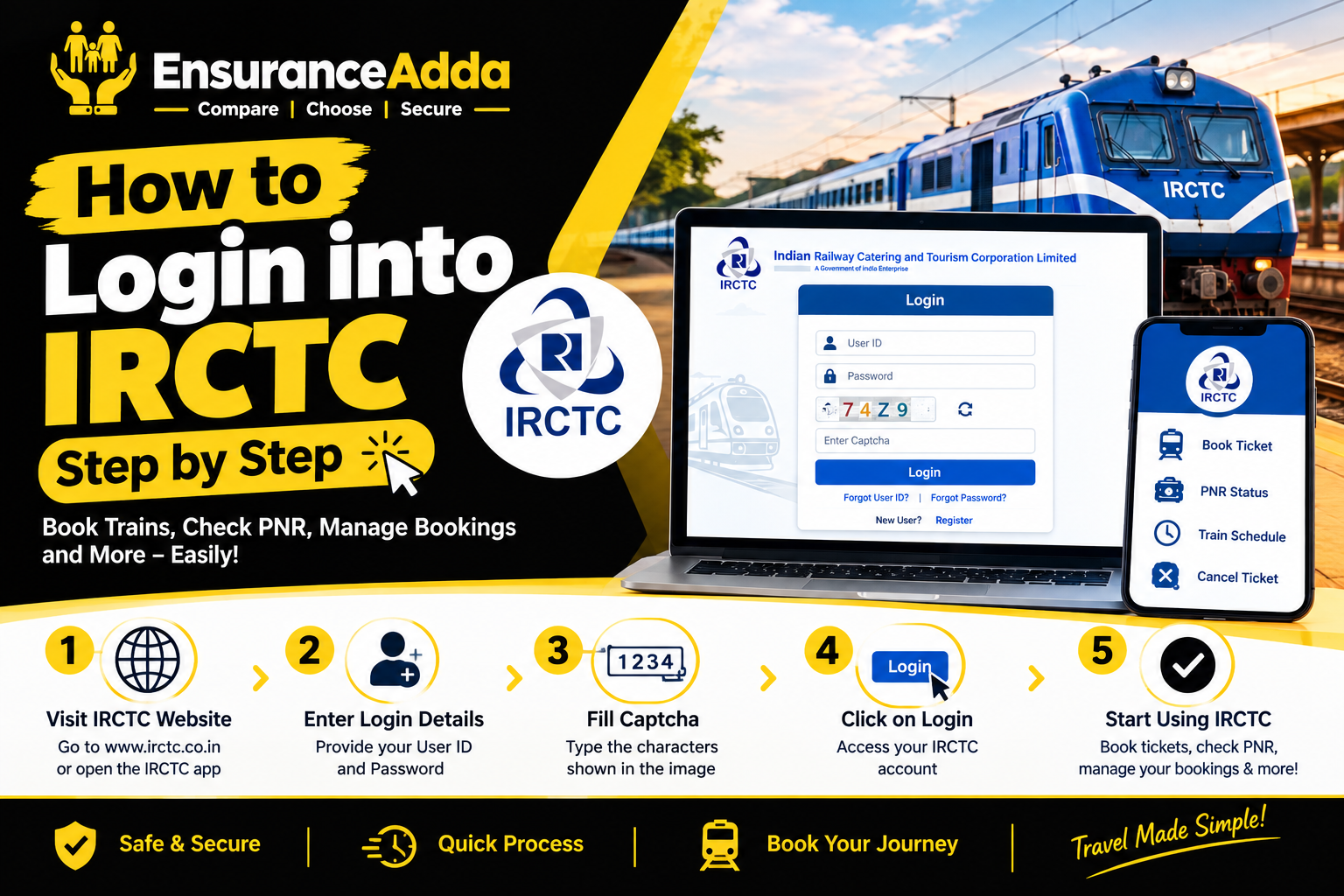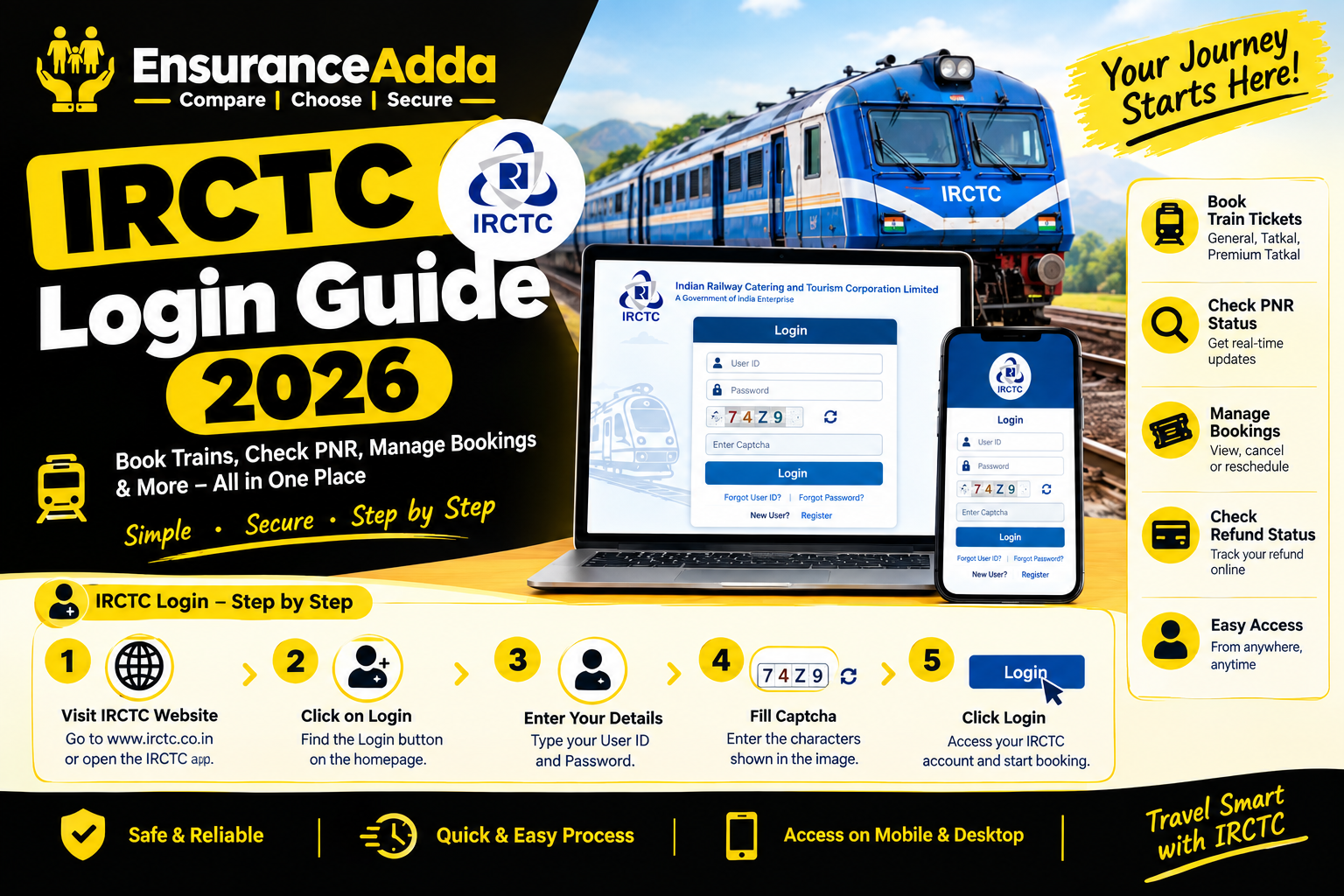

Have you forgotten your IRCTC User ID or password and cannot log in to your account? This guide explains how to recover your IRCTC User ID and password in 2026, reset forgotten login credentials, resolve common login problems, and keep your account secure.
The Indian Railway Catering and Tourism Corporation (IRCTC) provides an online platform for train ticket booking and reservation management. If you cannot remember your login details, follow the official account recovery process.
How to Recover IRCTC User ID in 2026
If you have forgotten your IRCTC username, open the official IRCTC login page and look for the Forgot User ID option, if available.
Step 1: Open the IRCTC Login Page
Visit the official IRCTC website and open the login section.
Step 2: Select Forgot User ID
Look for the username recovery option and follow the instructions displayed on the screen.
Step 3: Enter Your Registered Details
Provide the requested information, which may include your registered email address or date of birth.
Step 4: Complete Verification
Follow the verification instructions to recover your User ID. If the process fails, contact official IRCTC support.
Step 5: Save Your User ID Securely
Store your recovered username in a secure password manager so you can access your account easily in the future.
How to Reset IRCTC Password in 2026
If you remember your User ID but have forgotten your password, use the official Forgot Password option.
Step 1: Open the Login Section
Visit the IRCTC website and select the login option.
Step 2: Click Forgot Password
Choose the password recovery option and enter your IRCTC User ID if requested.
Step 3: Verify Your Account
Follow the instructions shown on the screen. You may need to verify your identity through your registered email address or mobile number.
Step 4: Create a New Password
After successful verification, create a strong password that meets the current requirements displayed on the website.
Step 5: Confirm Your New Password
Enter the new password again, submit the form, and wait for confirmation.
Step 6: Log In Again
Return to the login page and sign in using your User ID and new password.
Common IRCTC Login Problems and Solutions
IRCTC OTP Not Received
Check your registered mobile number and email address. Look in your spam folder if necessary, and wait briefly before requesting another OTP.
Incorrect User ID or Password
Check for typing errors and capitalization. If you cannot remember your password, use the official password reset process.
CAPTCHA Verification Failed
Enter the CAPTCHA exactly as displayed. If it is unclear, refresh it and try again.
Registered Mobile Number Is Inactive
Check whether an alternative official verification method is available. If you cannot access your registered contact details, seek assistance through official IRCTC support.
IRCTC Login Page Is Not Working
Check your internet connection, refresh the page, or try an updated browser. Temporary technical problems may also prevent login.
Tips to Keep Your IRCTC Account Secure
- Store your login credentials securely.
- Keep your registered email address and mobile number accessible.
- Use a strong, unique password.
- Never share your password or OTP with anyone.
- Avoid suspicious links claiming to offer instant account recovery.
- Use the official IRCTC website or app.
- Keep your mobile app updated.
Frequently Asked Questions
1. How can I recover my IRCTC User ID in 2026?
Open the official IRCTC login page and follow the Forgot User ID instructions, if available. Provide the requested details and complete verification.
2. How can I reset my IRCTC password without the old password?
Select Forgot Password on the official login page and follow the account verification instructions to create a new password.
3. Can I recover my IRCTC password using my mobile number?
The available recovery process may use your registered mobile number or email address. Follow the instructions displayed on the official website.
4. What should I do if I forget both my User ID and password?
Recover your User ID first. Then use the Forgot Password option to reset your password.
5. Can I change my IRCTC User ID?
An existing IRCTC User ID generally cannot be changed after registration. Use the official recovery process if you forget it.
6. Why am I not receiving an IRCTC OTP?
Possible reasons include network delays, inaccessible registered contact details, or temporary technical problems. Check your details and try again later.
7. Is third-party IRCTC account recovery safe?
Use official IRCTC services and authorized support channels. Never share your password or OTP with unknown websites or individuals.
Conclusion
Recovering your IRCTC User ID and password in 2026 is easier when you follow the official account recovery process. Retrieve your username first if necessary, reset your password, and resolve any verification issues using the available support options.